
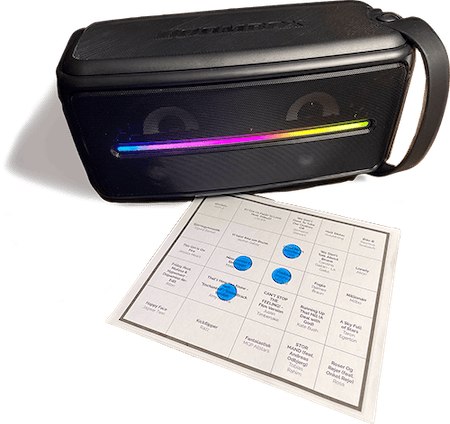
MUSIC BINGO:
MAKE YOUR PARTY
MORE FUN
Create your own music bingo cards in 2 minutes – using your favourite playlist from Spotify or Apple Music. Perfect for birthdays, Christmas dinners, summer parties or a cosy evening with friends.
Customise the cards with the exact songs and artists you love, and print them out or play digitally straight from your phone via QR code.
MAKE YOUR BINGO CARDS
Three easy steps: pick songs, pick a design, order. Ready in 5 minutes!
How do you want to add songs?
WHAT IS
MUSIC
BINGO?
Music bingo is a fun blend of classic bingo and a music quiz. Instead of numbers, the host plays short song clips and you mark off the song on your card when you recognise it. Everyone gets a music bingo card with song titles and artists, and the goal is to be the fastest. The first to complete the agreed pattern – one row, two rows or a full card – shouts BINGO and wins.
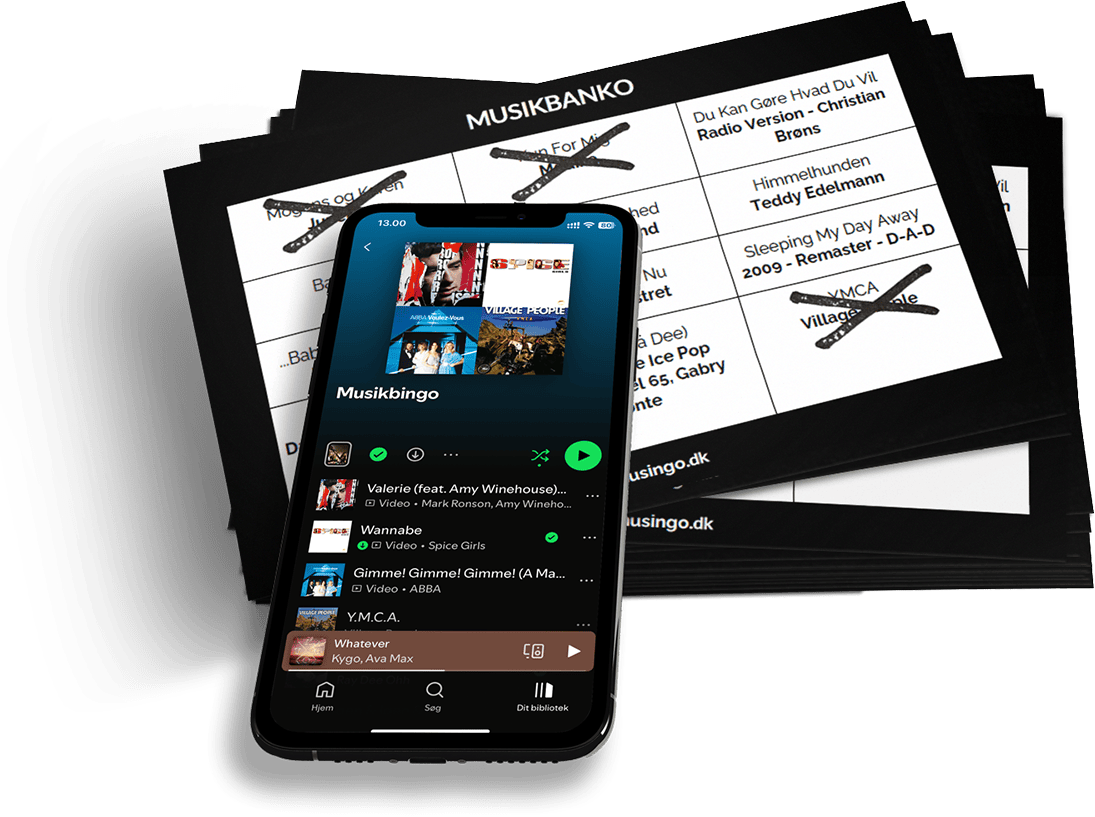
HOW IT WORKS
3 easy steps to your own music bingo cards

1. Choose Your Music
Pick your music from your own Spotify or Apple Music playlist, or add your own songs manually.

2. Customise Your Bingo Card
Choose the number of rows and columns on the bingo cards, and specify how many cards you want.
3. Generate and Download
With a single click we generate your personal music bingo cards. Download the cards and print them out, or play digitally straight from your phone.
MUSIC BINGO
WITH YOUR FAVOURITES
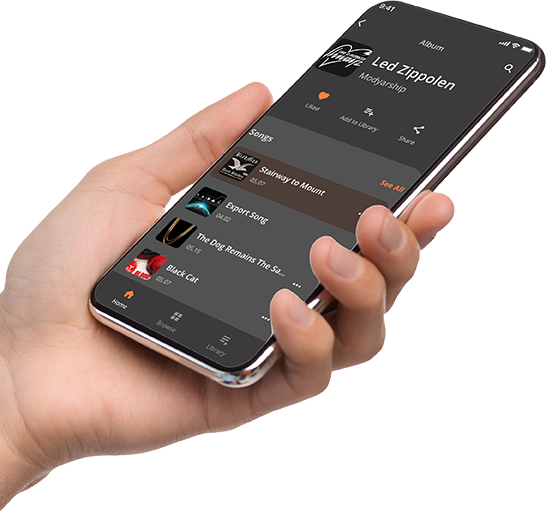
Make your own unique music bingo by creating your own playlist. Pick exactly the tracks you want — whether it's a film, New Year's, summer or 90s quiz. Choose the playlist you want to use and set how many cards you want. Bring out the big speaker, start the playlist, and you've got a party with a fun gimmick for your next event.
PRICES
Hygge med vennerne
- Option to include a caller card
- QR code you can scan with your phone to play bingo right on your phone
Fest med familien
- Option to include a caller card
- QR code you can scan with your phone to play bingo right on your phone
Events med firmaet
- 11.99 $ starting fee, then 0.15 $ per bingo card
- Option to include a caller card
- QR code you can scan with your phone to play bingo right on your phone
PLAY MUSIC BINGO
ONLINE
Want to play music bingo but can't print the cards? No worries! With our digital solution you can easily play right on your phone and be party-ready in an instant!
How it works:
- 1Scan the QR code with your phone.
- 2Get a unique bingo card on your phone every time you scan the QR code.
- 3Tap the songs on your card as you hear them played, and shout BINGO when the whole card is filled.
- 4It's that simple and quick to get going!


PLAY MUSIC BINGO ONLINE
WHAT CUSTOMERS SAY
"Loads of fun and really easy to get started with 🥳"
Christina
Kirke Såby
"Super easy to get going – it really lifted the mood at the party!"
Anne Mette
Måløv
"We'll definitely use Musingo again. Fun for both kids and adults!"
René
København
FREQUENTLY ASKED QUESTIONS
How does music bingo work?+
Does my Spotify playlist have to be public?+
What is a "digital bingo card"?+
How many songs do I need?+
How many bingo cards should I order?+
Can I use Apple Music instead of Spotify?+
What do I get in my order?+
How long does a music bingo game take?+
How many times can I play with my cards?+
What do I need to host music bingo?+
Can I print the bingo cards?+
How do I open a digital bingo card?+
Can I get a refund?+
Ready in 5 minutes
Your order lands in your inbox immediately — ready to print or play digitally.
Friendly support
Questions or need help? We reply quickly by email.
Satisfaction guarantee
We promise fun. Not happy? You get your money back, no hassle.
4,000+ orders
Thousands have already played music bingo with Musingo.